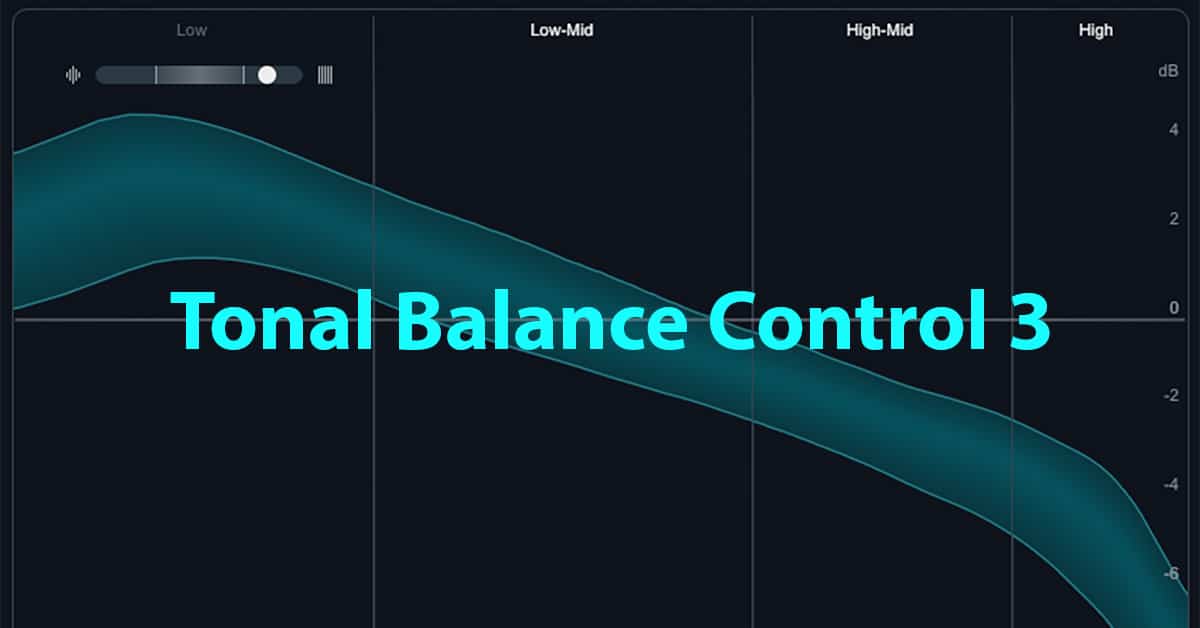
Tonal Balance Control 3 is a brilliant update of the tried and true spectral referencing plugin from iZotope. There are several matching EQs on the market to assist with conforming the spectral content to a reference track, but none match the dynamic graphic visualization that has made Tonal Balance Control a go-to plug for many. This newest iteration has stepped up the game with a number of new features that will make the device even more user-friendly and functional.
WHY YOU NEED IT
Some sort of spectral and dynamic matching is essential to the mixing and mastering process. While an experienced mastering engineer may depend largely on their analytical listening skills when matching to a reference track, tools like matching EQs and Tonal Control Balance can go a long way to assist engineers and producers in visually comparing their work to a well-mastered track. They can help tailor tracks for various distribution methods or lend cohesion to a collection of songs.
WHAT IT DOES
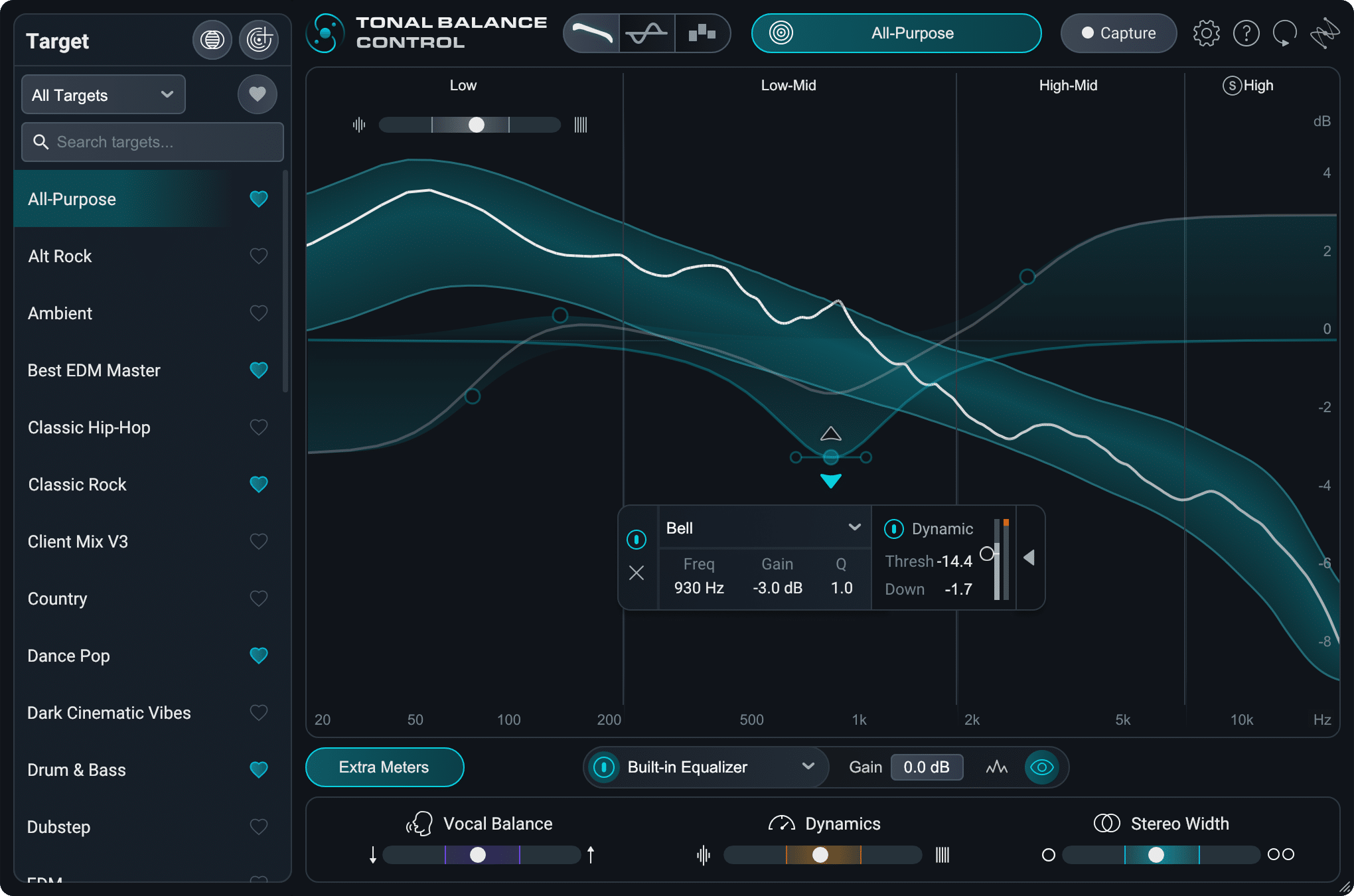
Tonal Balance Control is intended to give you a graphic representation of the spectral content of a reference track that could be genre or style-based, or based on other tracks in an album or collection. The user can then make the appropriate changes to match the reference. Below is a screenshot of the main GUI.
NEW FEATURES
The target or reference library has been expanded to include more genres and sub-genres.
The new DAW Target Capture allows you to create a new reference from the profile of a track in your DAW session
With the Stand-alone app, you can capture and analyze targets from any source on your computer, including Spotify, Apple Music, and YouTube.
Extra meters have been added that use the iZotope stem separating algorithm to allow independent control over vocals, dynamics, and stereo width.

Target blender allows the user to combine two reference targets for custom results.
The standard view can now be switched to a Leveled view, where the middle horizontal line represents matched tonal balance.
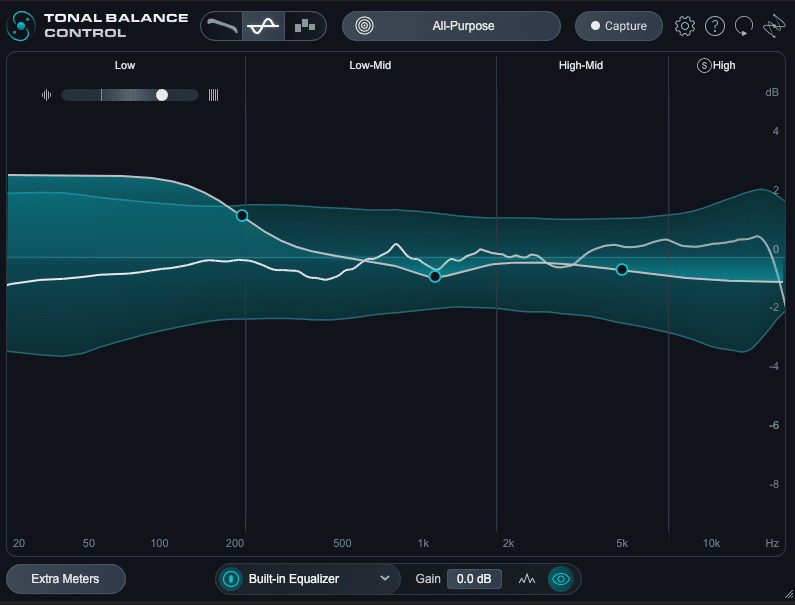
If you prefer, you can still use the existing Multiband View shown below:
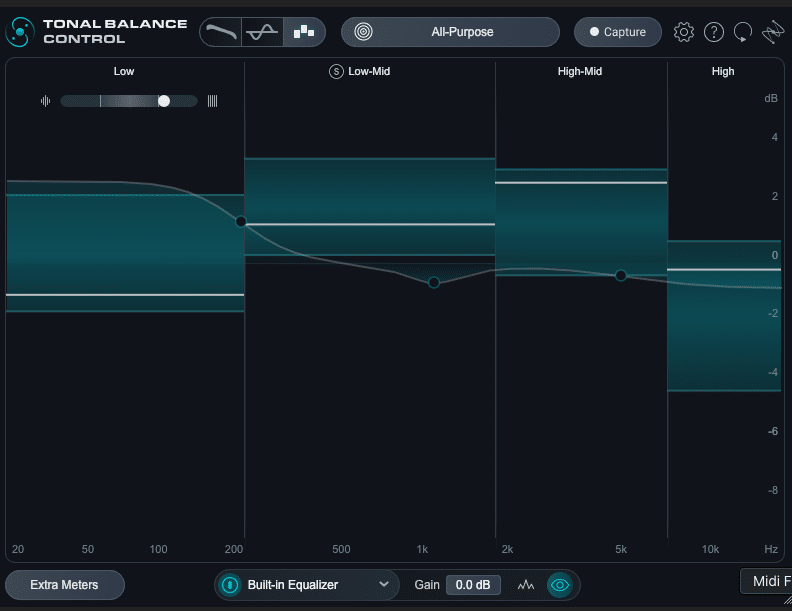
The Built-in EQ allows for adjustments directly in the device without the reliance on external plugins. But the device can still be used seamlessly with iZotope’s Ozone or Neutron plugins. The built-in EQ also includes dynamic functionality and works well in the new leveled view mentioned above.

As with previous versions, there is a dedicated Low-End Crest Factory Meter for additional monitoring. The Crest factor is the difference between the average amplitude and the peak level. In essence, the higher the crest factor the wider the dynamic range. High crest factors can indicate there are peaks in the music that are preventing the track from achieving higher LUFS levels. This can indicate the need for more aggressive compression, and the low end is often the more problematic part of the spectrum. You can read more about Crest Factor here.
VIDEO OVERVIEW
CONCLUSIONS
This release is a serious update from previous versions and shows that iZotope remains responsive to user requests and is dedicated to ongoing improvements in their device catalog. The stand-alone app, built-in EQ, and Leveled view are particularly awesome additions to this staple of the iZotope arsenal.