Overview
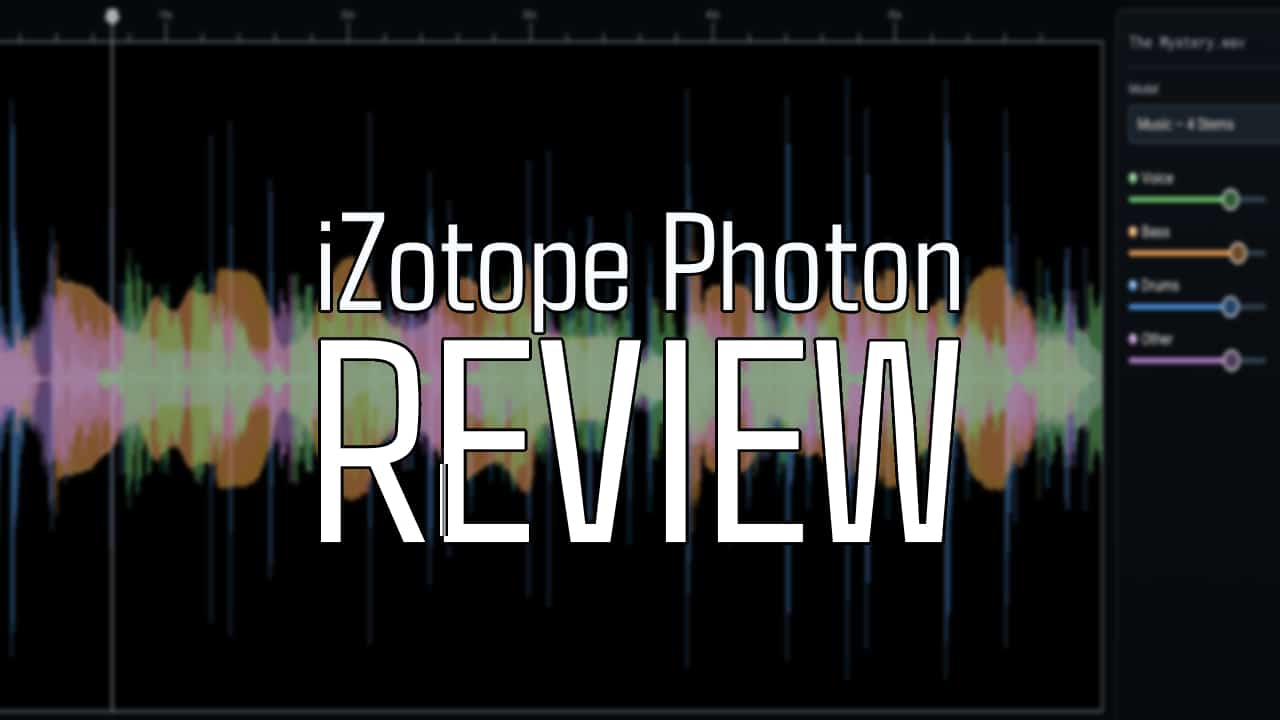
In this iZotope Photon review, I take a closer look at this drag-and-drop stem separation and dialog cleanup tool. Stem separation has gone from a novelty to something I reach for on real sessions. iZotope has offered it inside RX and Ozone for a while, but Photon is the company’s first tool built entirely around it. It is also the first release since Boris FX acquired iZotope in July.
Photon is a standalone app and an ARA2 plugin that splits finished mixes into stems and cleans up noisy dialogue. It does this with 12 custom-trained machine learning models that run locally on your GPU. Nothing gets uploaded, there are no credits or file caps, and your audio never leaves your computer.
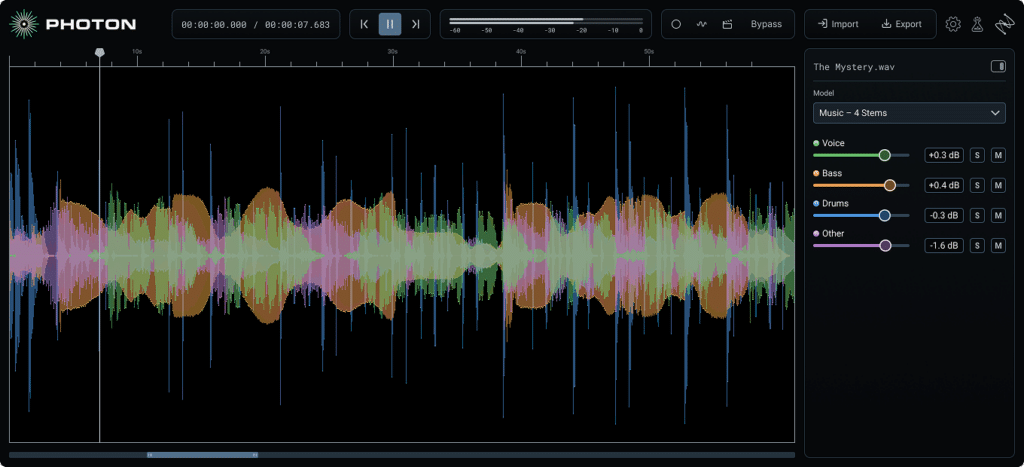
GUI
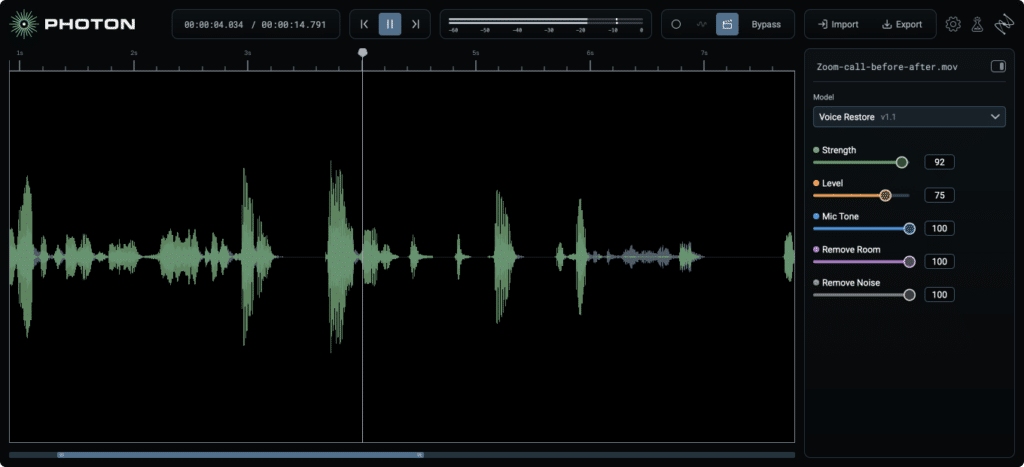
Photon is built around a simple idea: pick a model and go. iZotope sums up the workflow as drag, drop, dial, and deliver, and the interface follows that closely. You drop in an audio file, choose a model, and Photon lays out each resulting stem as a color-coded waveform with its own level slider. The GUI changes a bit depending on which mode you select, but is always easy to understand and navigate. There is no spectrogram to paint on and no module chain to build. If you want that kind of surgical control, iZotope points you to RX 12. Having played around a bit, upon dragging and dropping, Photon takes about 30 seconds to fully render the audio (depending on the length), which is impressive.
The feature I like most is preview from anywhere. You can click any point in the file and hear the processed result in seconds, without waiting for the whole file to render. That makes auditioning models fast, which is exactly what you want when you are comparing a quick split against a cleaner one.
Inside a DAW, the ARA2 plugin puts the same engine directly on your clips. Because ARA gives Photon the whole clip instead of a real-time buffer, it works with the full context of the file. You can run several models on a clip, and a processed audio cache lets you switch between them without waiting. Pro Tools supports ARA, and recently Ableton announced that Live 13 (coming in early 2027) will too.
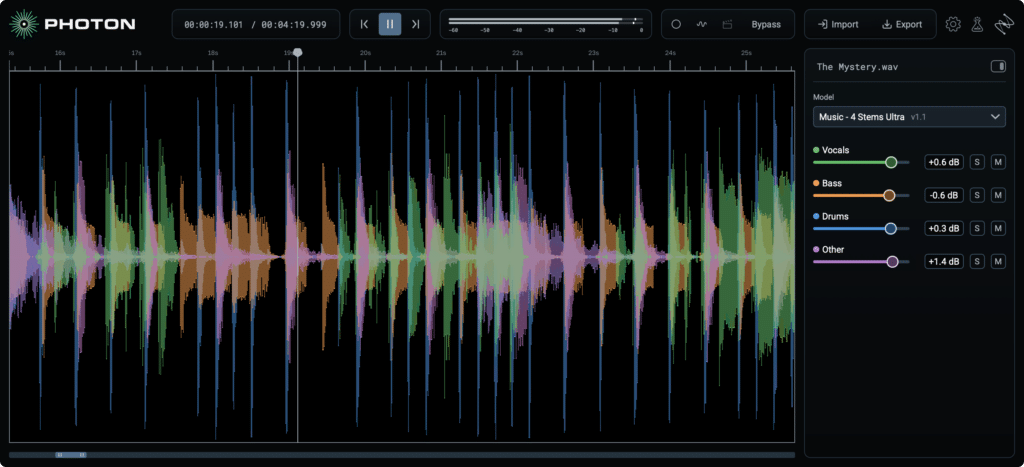
The Music Stem Separator GUI
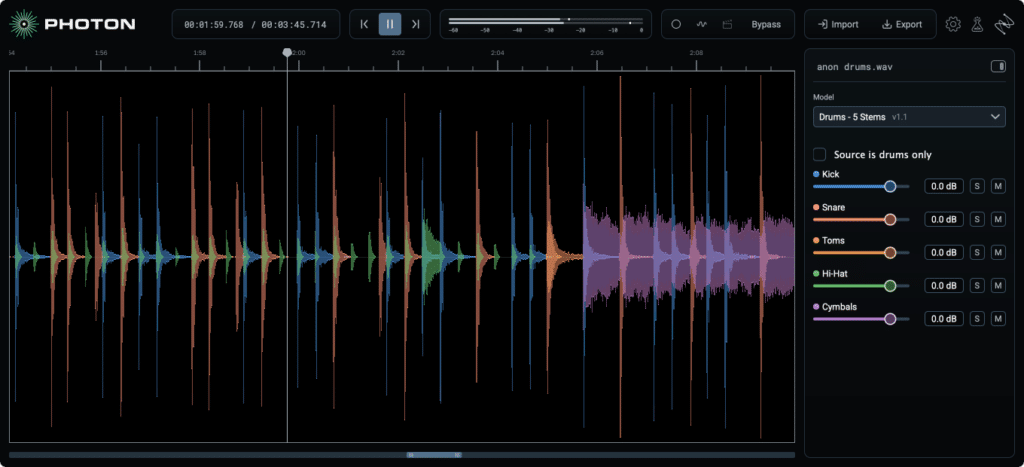
The Drum Stem Separator GUI
Features
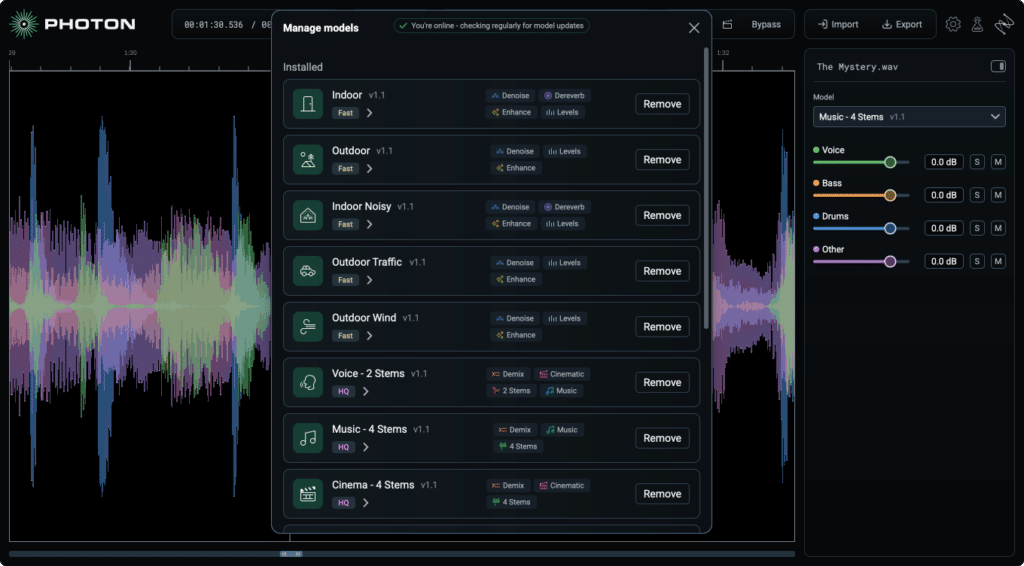
Photon’s 12 models split into two groups: Demix for separation and Denoise for cleanup.
Demix models
- Music 4 Stems and Music 4 Stems Ultra: Vocals, drums, bass, and other. The standard model is for quick rebalances, and Ultra is the one to use when a stem needs to stand on its own, like an acapella for a remix.
- Drums 5 Stems: Kick, snare, hi-hat, toms, and cymbals, from a drum bus or a full song. This is the model I was most curious about as a mixer.
- Voice 2 Stems: A straight vocal and music split for instrumentals and karaoke versions.
- Cinema 4 Stems: Dialogue, music, sound effects, and other, aimed at M&E tracks and music replacement.
- Voice Separator: Up to six individual speakers from a single recording, plus room tone and background.

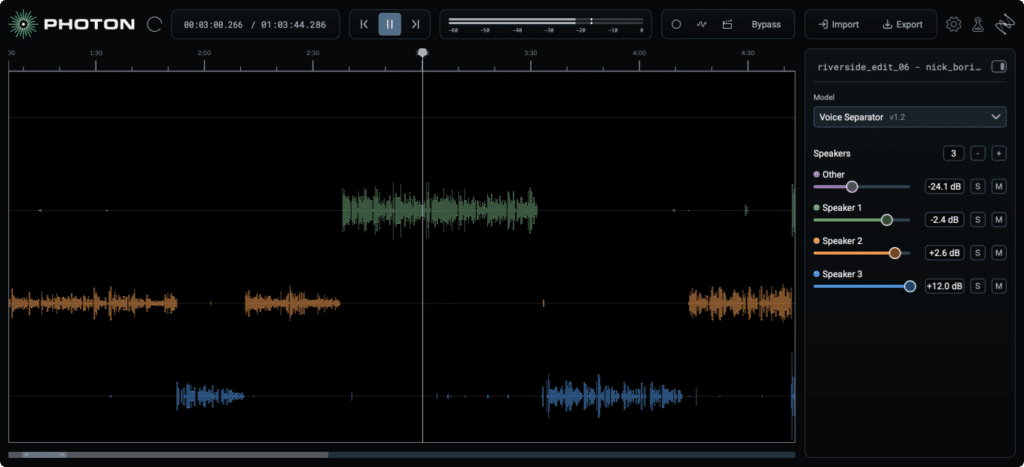
The Voice Separator GUI
Denoise models
- Voice Restore: Brings distant or muffled speech forward and handles noise, levels, mic tone, and echo.
- Indoor and Indoor Noisy: Room noise and echo, with the Noisy version for louder spaces.
- Outdoor, Outdoor Traffic, and Outdoor Wind: General outdoor noise, street noise, and heavy wind.
Photon imports WAV, AIFF, MP3, FLAC, AAC, M4A, and common video formats like MP4, MOV, and MXF. It exports WAV at the source bit depth, FLAC, or MP3, and video files go back out in their original format with the video stream untouched.
Sound Quality
I tested Photon on a variety of sources including a few different songs that I mixed and/or mastered, some reference .wav files of music I enjoy, and some field recordings with voice (and plenty of background noise.) For stem separation, Photon sounds as good as any other tool I’ve used. For noise reduction, it is a very impressively fast and effective. I have yet to find a stem separator that doesn’t impart some degree of aliasing, and I’ve used several. While Photon is admirable in its ability to quickly separate stems, occasional digital artifacts are still present. That said, this is a relatively new technology, and as expected, iZotope is moving it forward in leaps and bounds. For high end post production workflows (dialog editing and noise reduction), RX is still unbeatable, but for anyone looking for speed and ease of use, Photon is inarguably great.
Who It’s For
Photon is for anyone who needs good separation or cleanup quickly and does not want to spend an afternoon in a spectrogram.
- Producers and remixers: Pulling acapellas, sampling a single instrument, or building custom drum kits from a loop.
- DJs and live performers: Quick edits, set prep, and backing tracks.
- Podcasters, video editors, and content creators: Voice Separator, Voice Restore, and the Indoor and Outdoor models handle the most common dialogue problems with very little setup.
- Educators and students: Isolating parts makes it easier to study an arrangement or learn a part by ear.
iZotope Photon Review Summary
After putting Photon through its paces, my verdict is that this is an undeniably impressive tool, and can assist professionals in the music and post production spaces, alike.
Photon lists at $349, with a $259 intro price through December 7, 2026. There is also a Boris FX subscription at $19 a month or $119 a year, crossgrades for existing iZotope owners, and a fully functional 14-day trial.
ABOUT THE AUTHOR
Ian Vargo is a Music Producer, Mix & Mastering Engineer, and Multi-Instrumentalist whose work has been heard on broadcast television, nationally televised ad campaigns, award-winning films, and viral web content amassing over 30 million views. His credits include projects for Disney | ABC, Intel, MSNBC, Airbnb, EA Games, and many more.
With over 20 years of experience in the studio, Ian has contributed to major label releases (Capitol, EMI, Fueled by Ramen, Universal, Interscope, Hollywood Records) as well as acclaimed independent projects. His passion lies in helping artists translate their creative vision into professional, release-ready recordings that stand out in today’s music landscape.
Interested in working together? Reach out at ianvargo@gmail.com if you need mixing or mastering for your next project.